Books
Financial Reporting
Financial statements, divisional P&L, cost and cash-flow analysis, and a custom report canvas you build from widgets.
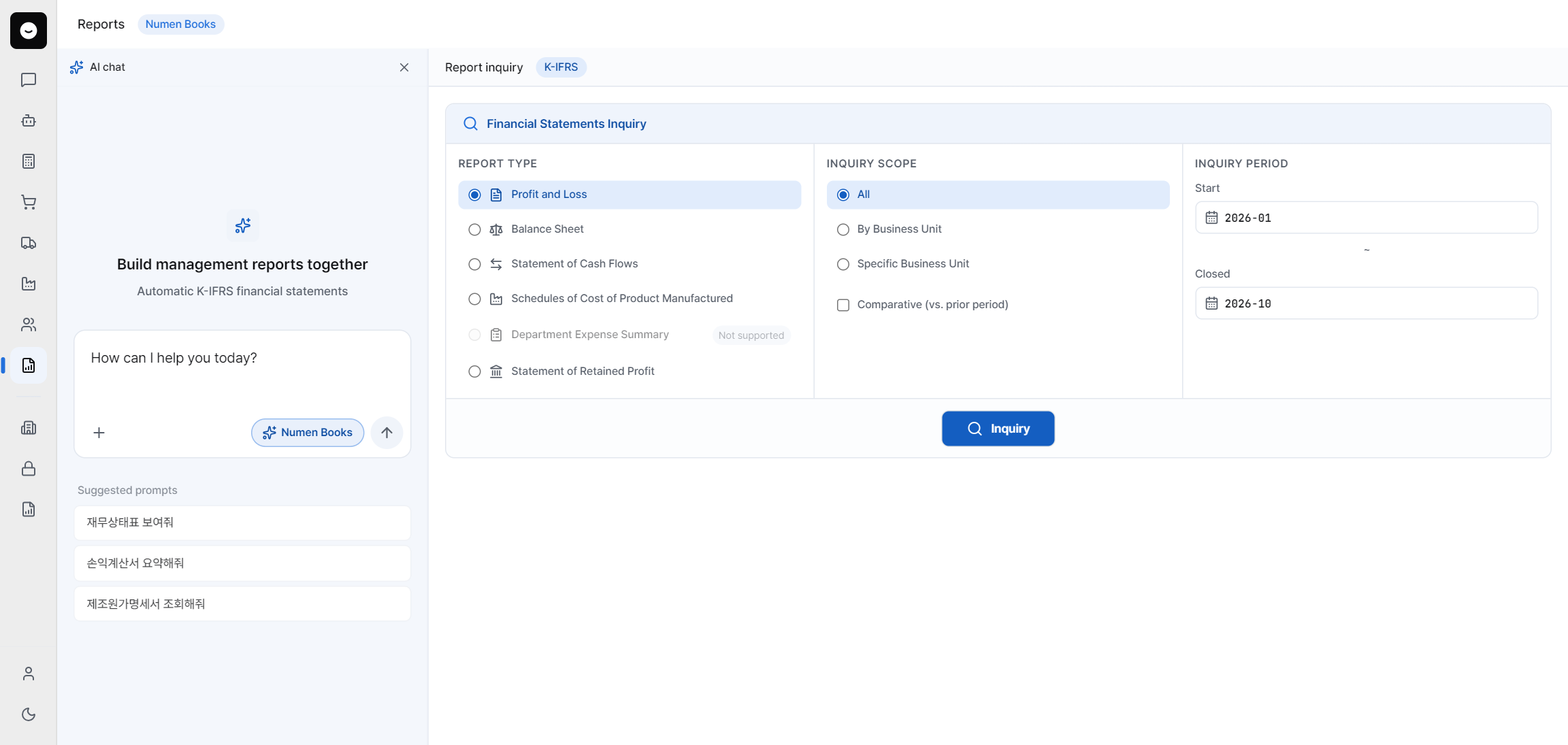
The Reporting agent turns your posted books into statements and analysis. Standard statements are generated for you, while a custom report canvas lets you assemble your own management reports from widgets and reusable templates.
What you can do
- Generate financial statements — Balance Sheet and Income Statement, aligned to K-IFRS.
- View divisional P&L by profit center.
- Run cost analysis across products and cost centers.
- Produce a cash flow statement.
- Build a management report for leadership.
- Assemble a custom report canvas by inserting widgets and reusing templates.
How to build a custom report
- 1Open the report canvas and set the data period and entity for the report.
- 2Insert widgets — statements, charts, tables — onto the canvas and arrange them.
- 3Save it as a template so you can regenerate the same report next period in one click.
- 4Export or share the finished report with your team.
Statements and analysis
Statements read straight from your posted entries, so they always tie back to the trial balance. Divisional P&L and cost analysis inherit the profit-center and cost-center structure you set up in registries — get that structure right, and the reports fall into place.
Note
Reports reflect what is posted. If a statement looks off, check the data period and whether the period is fully closed in Accounting before assuming a reporting error.
Next steps
Accounting
The trial balance every statement reads from.
Coming soonProduction
The product costing behind your cost analysis.
Coming soonWidgets & the Library
What widgets do — and how to build your own.
Was this article helpful?